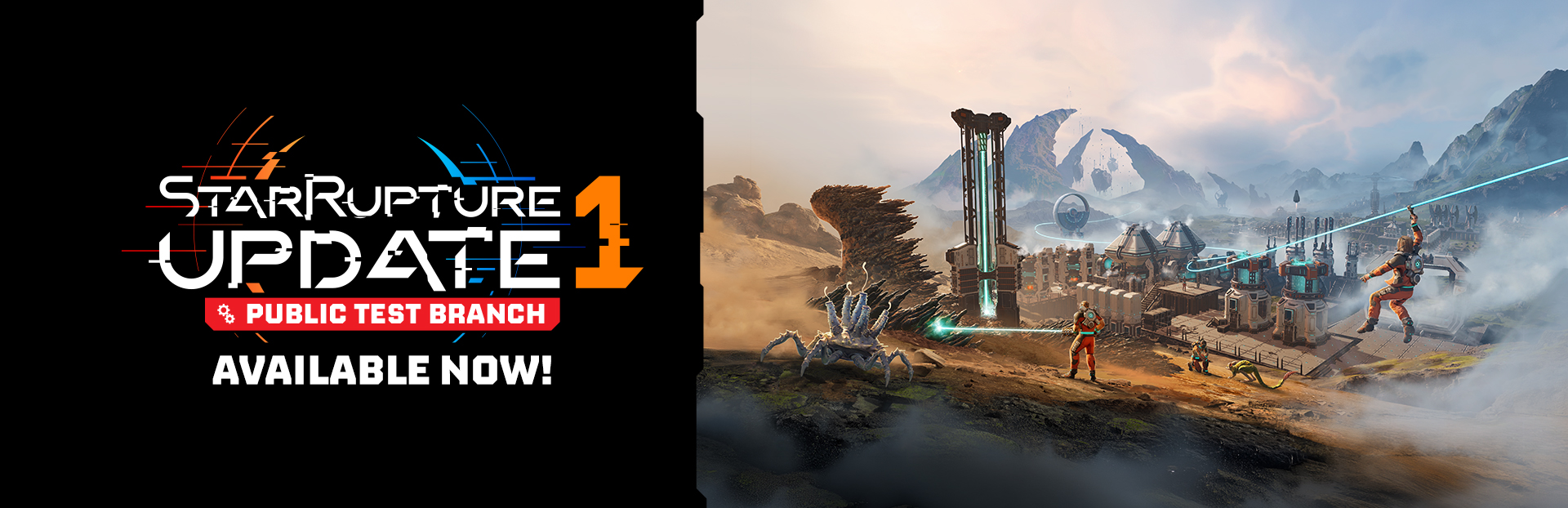
The Public Test Branch (PTB in short) serves as a public testing ground for the upcoming StarRupture’s Updates. It provides an opportunity for players to:
Get a first look at the upcoming features, new mechanics, items and areas.
Help us discover bugs and performance issues in a live environment that weren’t detected during internal testing.
Provide direct feedback that may influence the final design and balance of new content.
Providing Bugs & Feedback
The main goal of the PTB is gathering your feedback! If you want to share your insight with us, please do so via the dedicated form: https://forms.gle/XnhoBwPnSezPxAKZ8
This form is our primary tool for tracking and addressing the most pressing matters identified during the new content's pre-release period. We encourage you to be as detailed as possible in your submissions. Please be aware that the form itself is written in English only. Thank you for your understanding!
How to Join the PTB (Public Test Branch)
Accessing the PTB is straightforward:
Open Steam and navigate to your Steam Library.
Right-Click StarRupture and select "Properties" from the context menu.
Select "Game Versions & Betas" Tab.
Select “Public Test Branch”.
Steam will automatically download the necessary update.
To switch back to the official default version of the game, simply click "Default Public Version" from the list of Game Versions.
There is no Dedicated Server available for the Public Test Branch.
Important Considerations
We highly recommend manually backing up your data before switching to a PTB version of the game. To do so:
Open Steam and go to Steam Settings > Storage.
Next to the size of the installed files bar, click the three dots (•••) > Browse.
This will open the 'steamapps' folder in Windows File Explorer.
From there, click on 'Steam' in the address bar and look for a folder called userdata.
Inside userdata, you will see folders named after your Steam ID(s). If you have multiple Steam IDs, you can sort the folders by the most recently modified to find the one you've been using.
Once inside your Steam ID folder, look for a folder named 1631270 > remote > Saved > SaveGames.
Copy the entire folder and place it in a safe location: for example, your Desktop.
You can continue your gameplay from your previous standard build, but be aware that the save made on the Public Test Branch won’t be compatible with the standard build when the Update launches.
Content in the Public Test Branch is still under active development and may contain bugs, incomplete features, or placeholder assets.
The Public Test Branch will receive updates of unknown frequency.
While we strive for the game’s stability, the PTB may be less stable than the default version of the game.
Thank you for your participation and dedication to making StarRupture the best it can be!